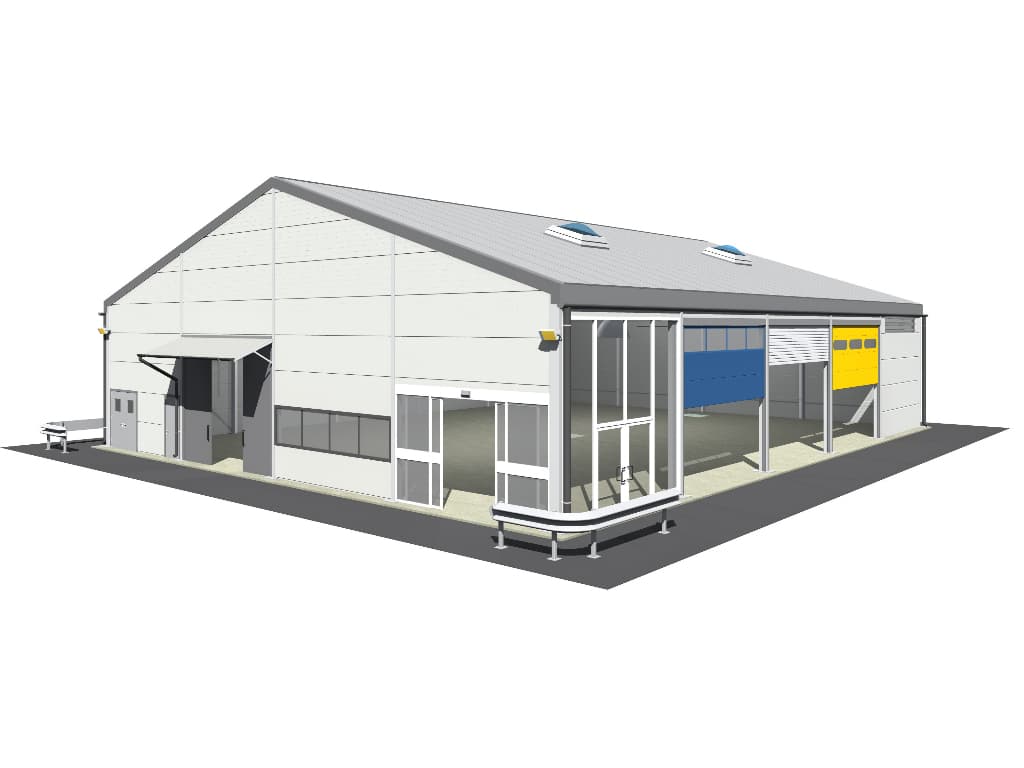
HTS Temporary Building Configurator
Design your temporary building to suit your requirements, see it in 3D as you work, and send the finished specification straight to our team for a quote. It takes just a few minutes.
Free to use · No registration · Instant 3D preview · Free no-obligation quotation
Before you start
Our demountable buildings are supplied to businesses for industrial, commercial and professional use. You can buy your building outright, or rent it long term from a minimum term of 24 months. If you need covered space for a shorter period, short-term hire is not something we offer.
Start your design
The use of this building configurator is only permitted for enquiries to HTS TENTIQ GmbH and for consultation purposes by HTS TENTIQ GmbH.
Any further and unauthorised use, including the use of image material and technical equipment details, is prohibited and may result in legal action.
How the configurator works
Use our step-by-step guide to configure your own temporary building in just a few short minutes.
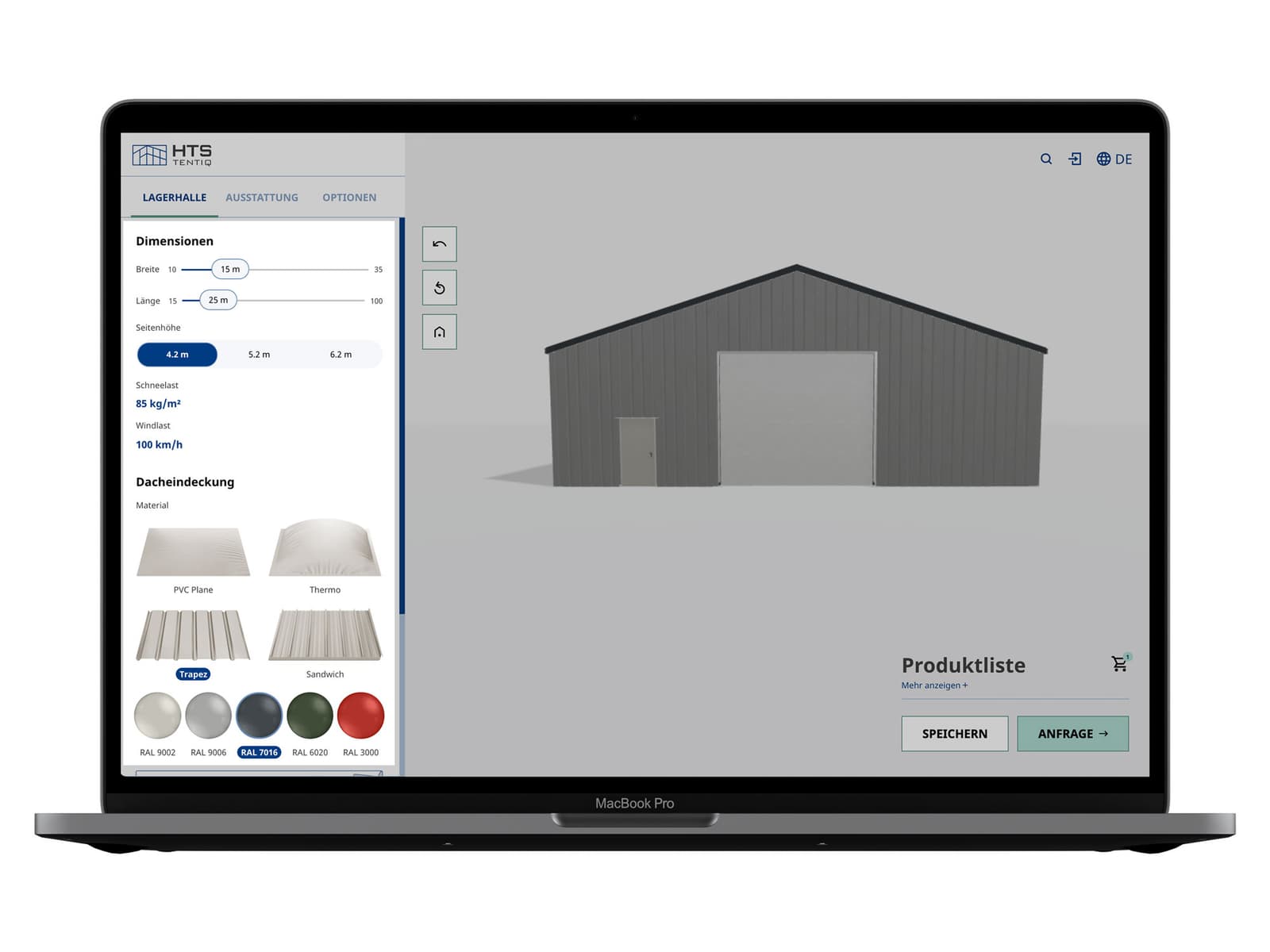
Step 1: Basic requirements
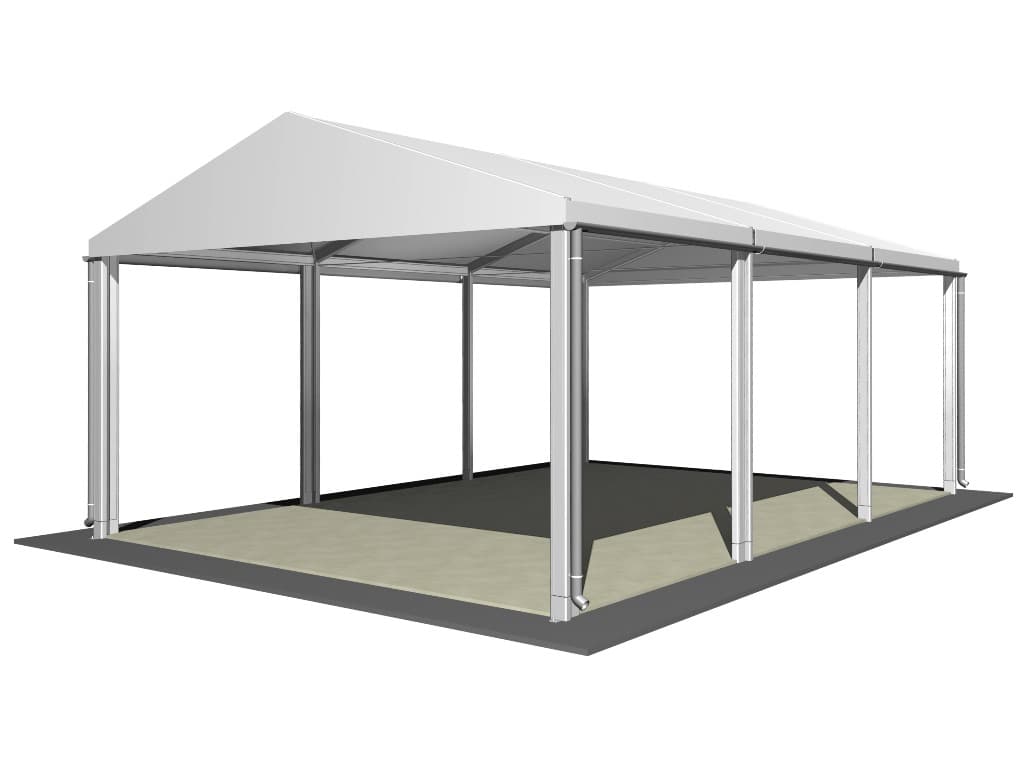
Should you only require a canopy with basic overhead protection, you can specify without walls in the wall type section.
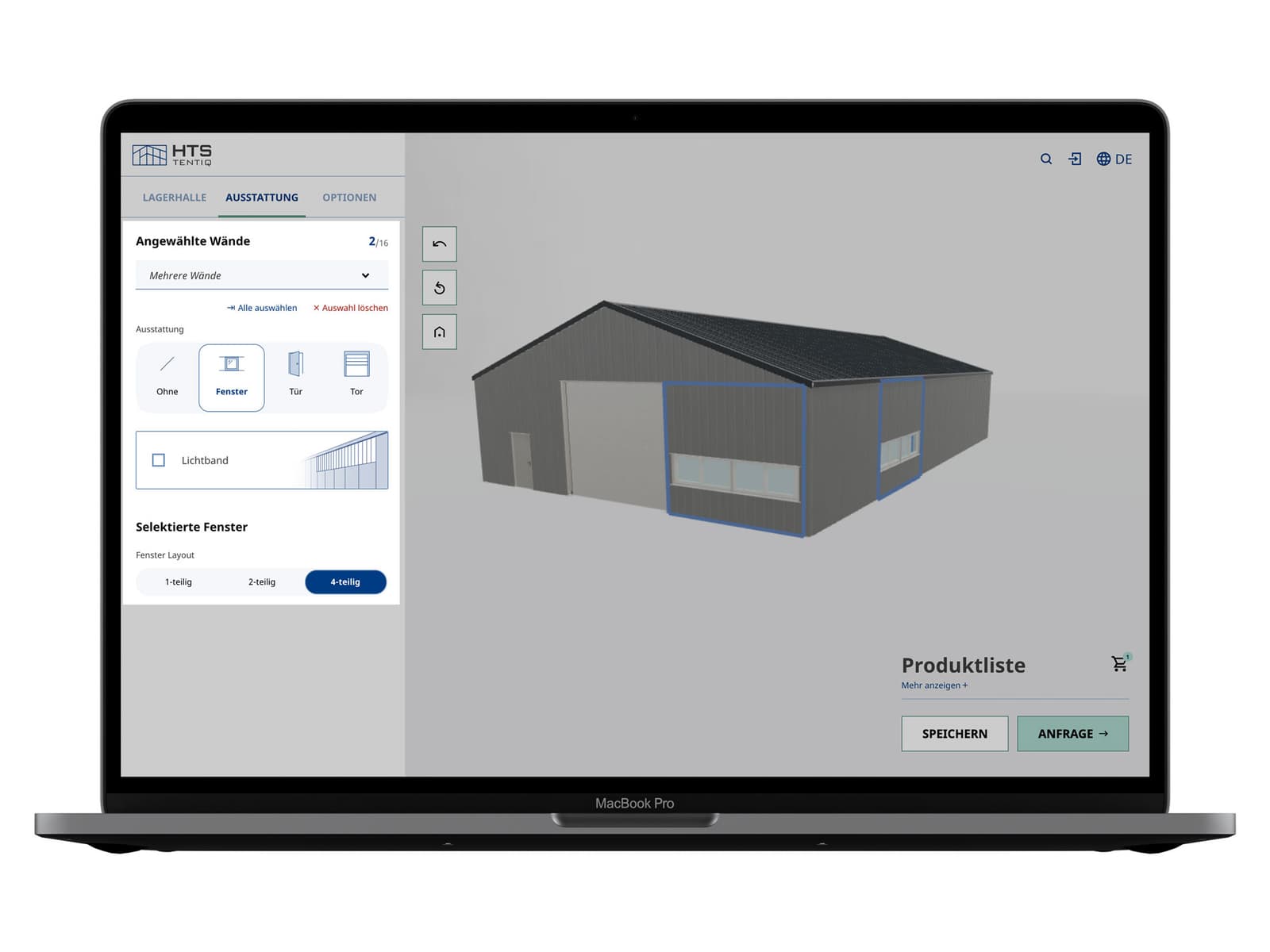
Step 2: Doors and windows
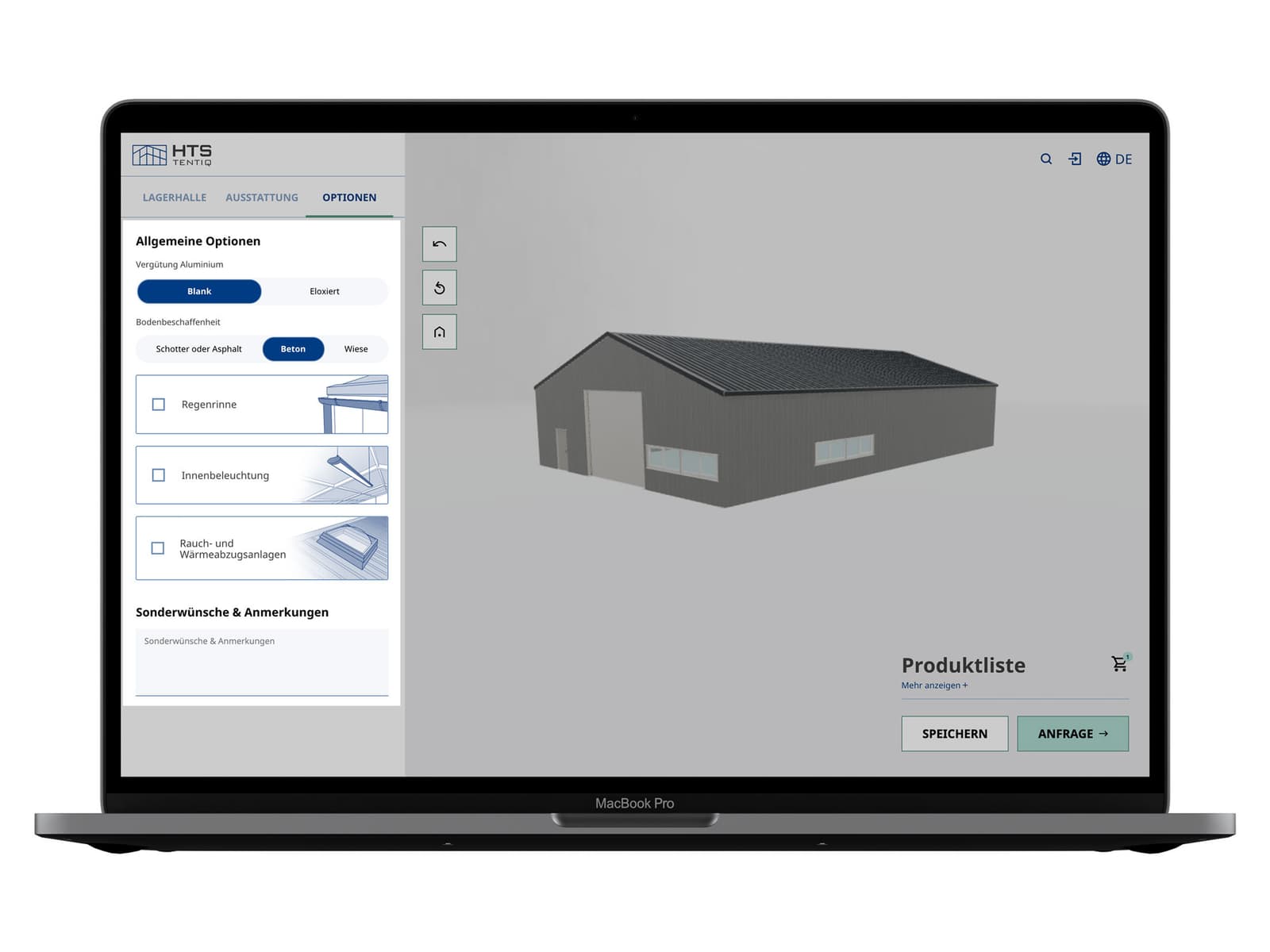
Step 3: General options
Add features such as a rain gutter and indoor lighting, and use the comments field for any special requests.
Step 4: Review your enquiry
To get a quotation, click submit enquiry and add your contact details. One of our experts will come back to you with a detailed quotation for further discussion.
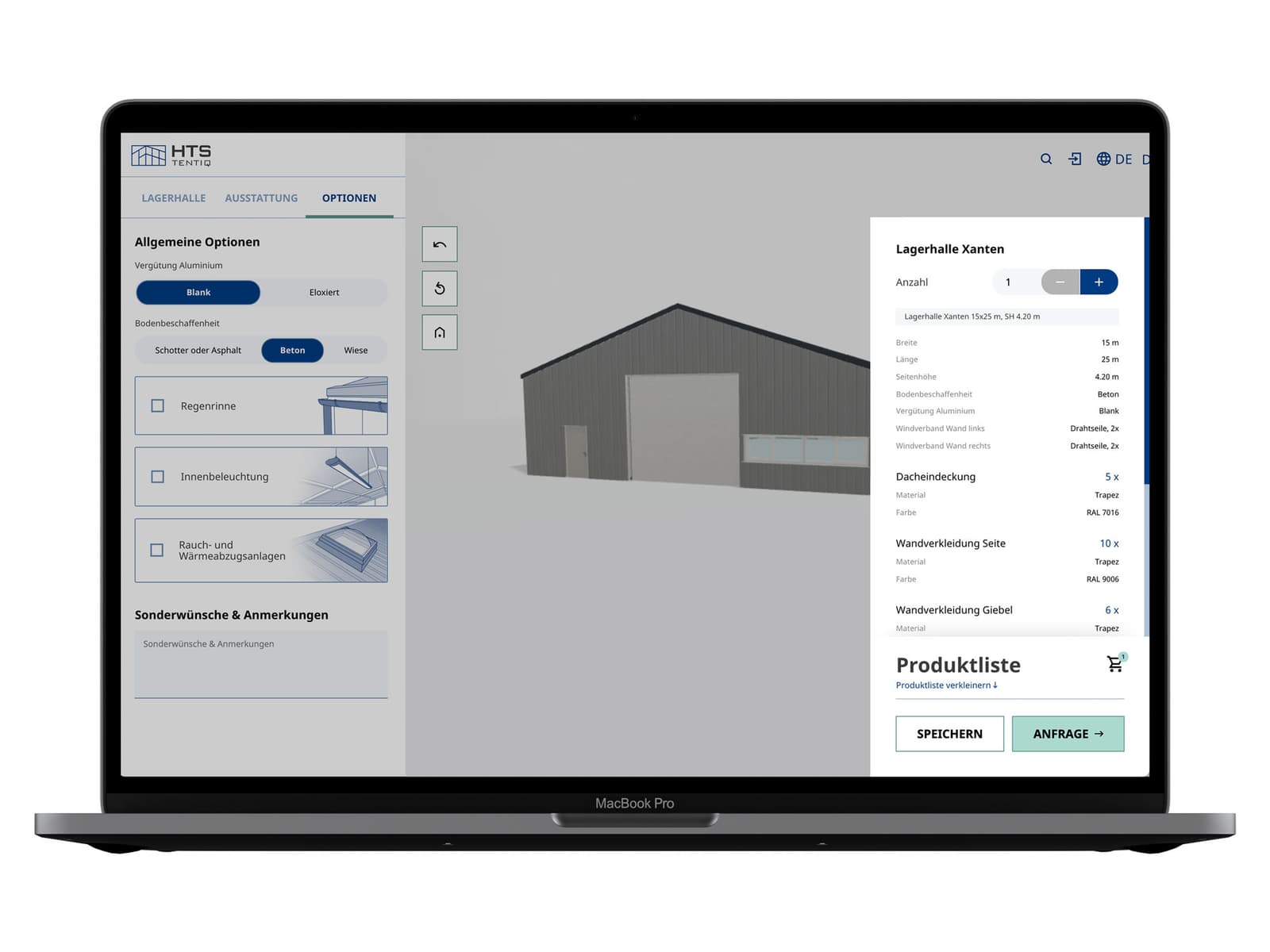
From configuration to quotation
- An instant 3D view of your building, inside and outside, updating with every change you make
- A saved configuration: enter your email address and we send you an ID and a unique link, so you can return to it or share it with colleagues
- Hear back within 2 business days once you submit your enquiry
- Receive a detailed quotation from one of our experts
Why specify online first
Cut down the discussion time working out the building specification yourself removes the back and forth that normally sits between a first enquiry and a usable quotation. You know what you want; illustraying this to use is easier for all.
Test the options before you commit. Comparing different spans, cladding types and door positions is the quickest way to establish what actually suits your operation, and it costs nothing to run the configurator as many times as you need.
You keep control of the specification. Because the design is settled before the commercial conversation begins, specifications, quotations and contracts can all be agreed sooner.
Buying or renting your building
You can buy your building outright, or rent it long term from a minimum term of 24 months. Which route suits you depends on how you want to treat the cost and how the requirement might develop. Financing is available through our partners.
Not sure what you need yet?
If you are still working out your size, cladding or access requirements, our guide walks through each decision before you start designing.
Design Your Own Modular Temporary Building: Size, Cladding and Cost
If you would like to understand the full process from enquiry to handover, including planning permission and installation, start here.
Want to get in touch with us? Simply use our contact form – this is the fastest way to contact one of our team of experts.
Our demountable building range
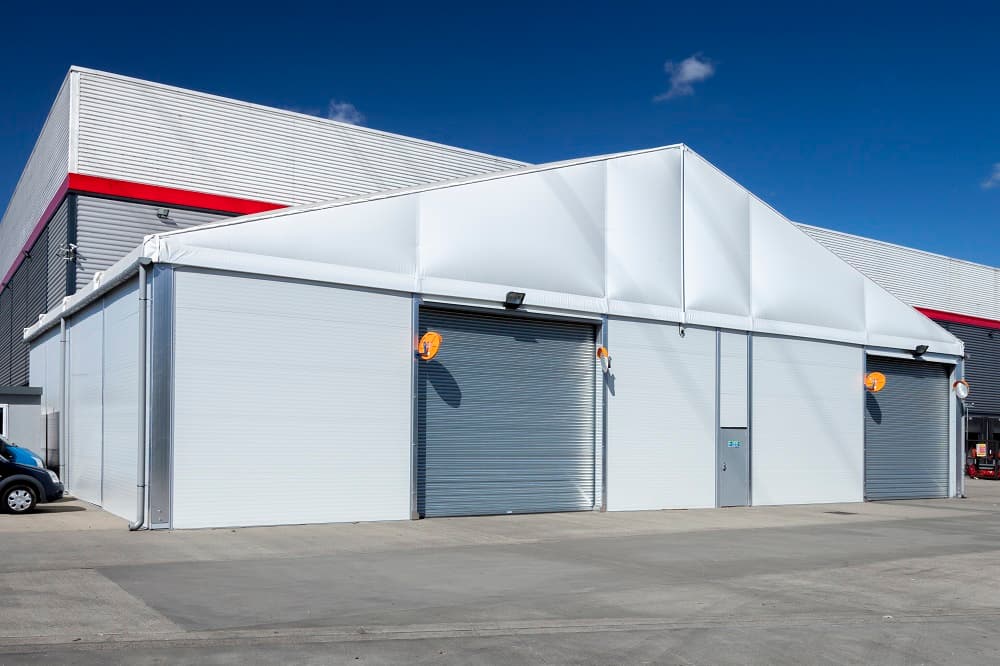
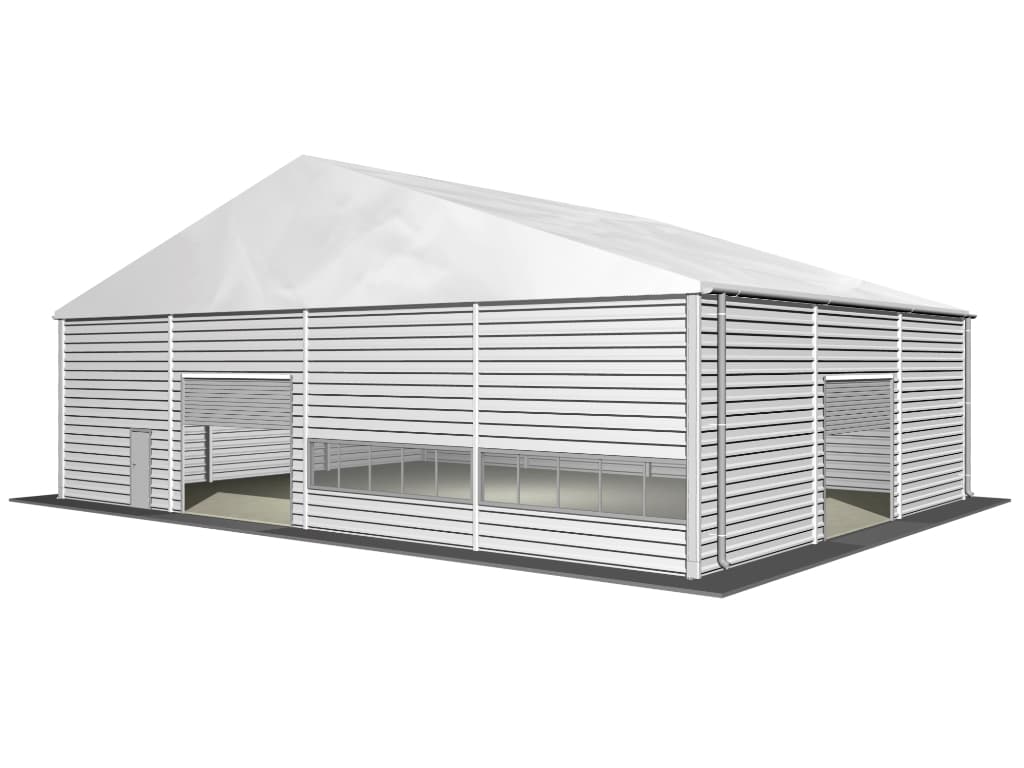
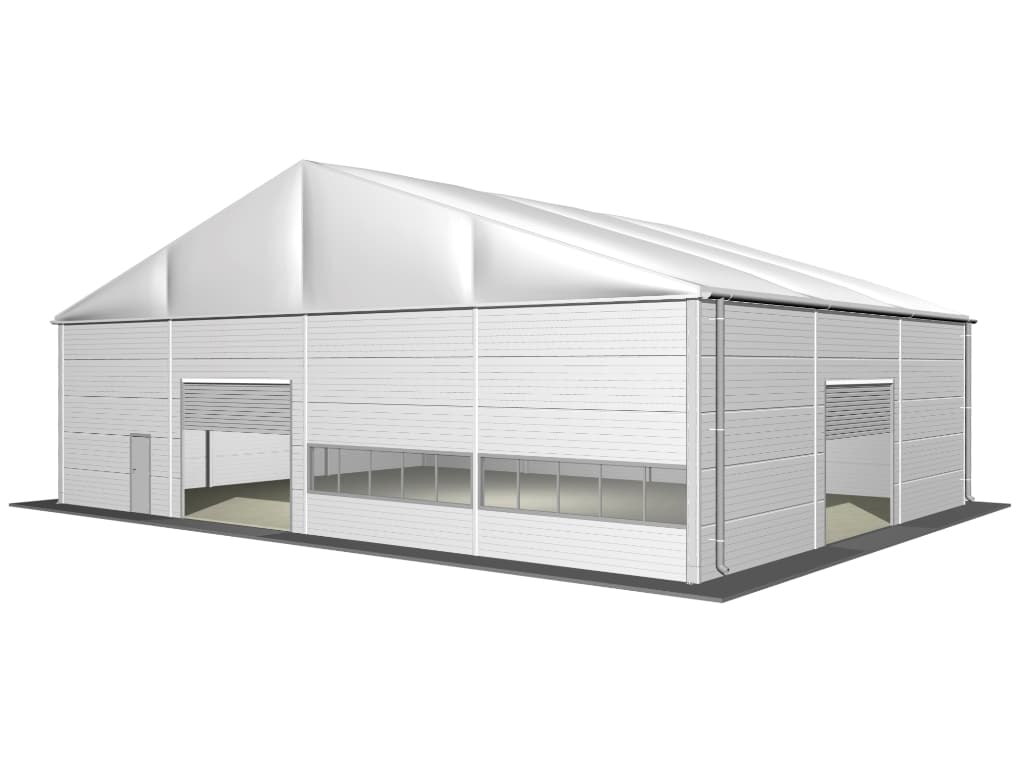
Every building in the configurator is a demountable structure: an anodised aluminium frame with interlocking cladding, engineered to the same structural standards as a permanent build but assembled on site in days rather than months.
These four product lines by HTS TENTIQ cover most industrial requirements.